
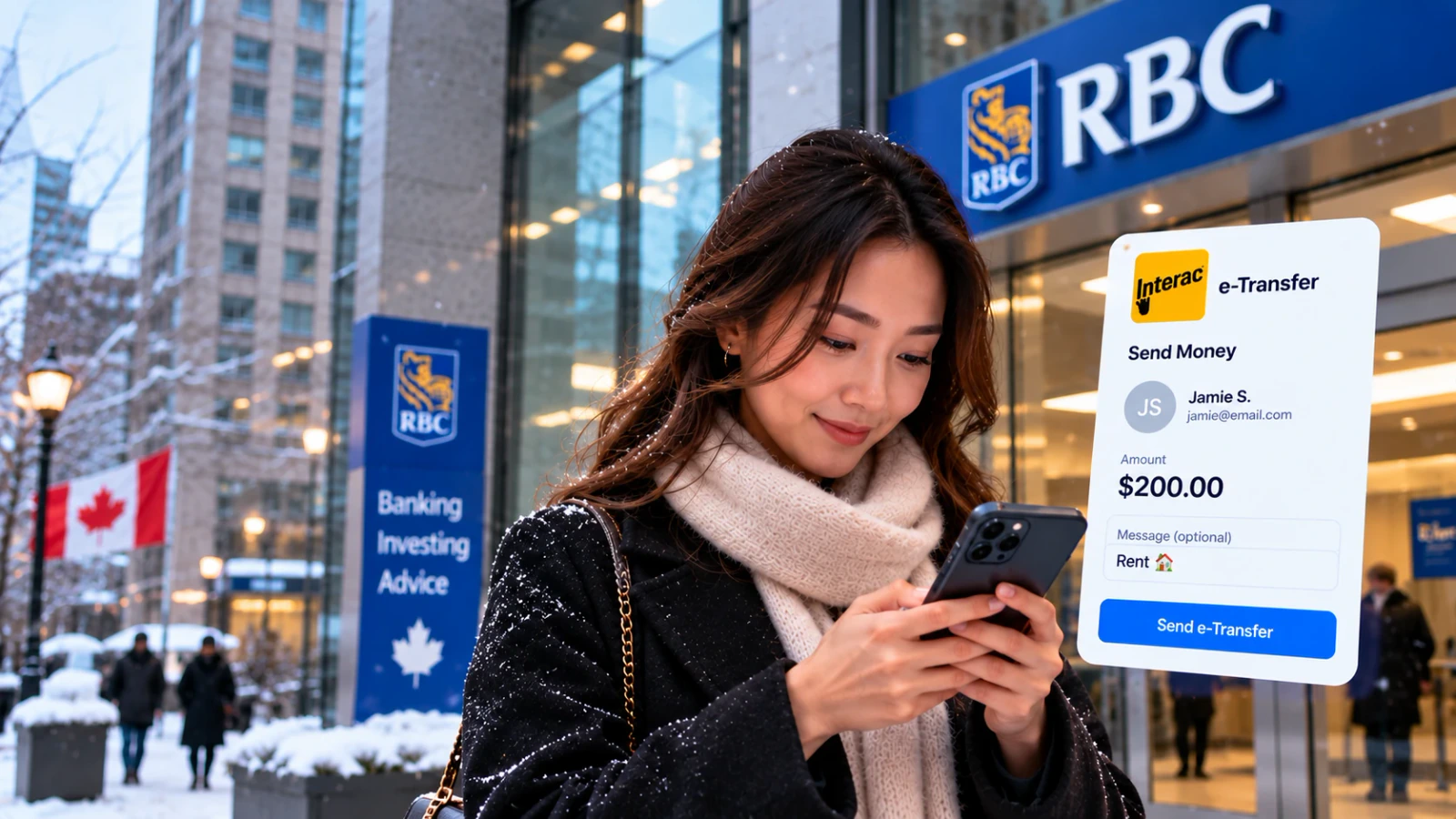
- Each bank sets its own e-Transfer limits; Interac says consumer limits are typically $2,000 to $3,000 per transaction.
- Published daily send limits range from $3,000 at CIBC, Tangerine and Simplii to $5,000 at EQ Bank and Desjardins and $10,000 at RBC.
- Sending is free at Tangerine, Simplii and EQ Bank and on RBC personal chequing; CIBC charges $1.50 unless your account includes it.
- Once the recipient deposits a transfer, you can’t cancel it, so Autodeposit and a hard security answer matter.
Checked October 2026
How an e-Transfer works
An Interac e-Transfer moves money between Canadian bank accounts using an email address or mobile number. Interac stresses that the money never travels by email or text. The message is only a notice; the funds move between banks the same way cheques and ATM deposits settle.
Most transfers arrive almost instantly, but Interac says they can take up to 30 minutes depending on the bank. The recipient either answers a security question or, with Autodeposit, gets the money automatically.
Limits and fees by bank
These are personal sending limits and fees as each bank states them on its own site. Where a bank doesn’t publish a figure, we say Check bank. Your own limit may be lower than the maximum; your app shows it.
| Bank | Send limit | Fee to send | Where to see your limit |
|---|---|---|---|
| RBC | $10,000 per day in the RBC Mobile app | Free on personal chequing; $1.00 on personal savings | Daily Transaction Limits |
| TD | Check bank | No fee on its chequing accounts; otherwise $0.50 (up to $100) or $1.00 | EasyWeb › Fees and Limits › Maximum Amounts |
| BMO | Check bank | Check bank | Check bank |
| Scotiabank | Check bank | Unlimited with the Preferred Package; counts as a transaction on basic accounts | Manage transaction limits |
| CIBC | $3,000 a day, $10,000 in 7 days, $30,000 in 30 days | $1.50 unless included with your account | Online banking or app |
| National Bank | $4,000 a day | Free in its banking packages; $1.25 on some accounts | Check bank |
| Desjardins | $5,000 per 24 hours | Check bank | AccèsD |
| Tangerine | $3,000 a day, $10,000 a week, $20,000 a month | Free | Can’t be changed |
| Simplii | $3,000 a day, $10,000 in 7 days, $30,000 in 30 days | Free | Online banking or app |
| EQ Bank | $5,000 a day, $20,000 a week, $50,000 a month | Free | Fees and features page |










Check bank means the bank’s own pages didn’t state the figure when we checked. bmo.com couldn’t be read, so check BMO’s app.
CIBC waives the $1.50 fee on its Smart Account and the CIBC Everyday Chequing Account, and for clients 65 and older on any CIBC chequing account. RBC’s free e-Transfers on chequing are capped at 999 a month per account, with $1.00 for each one over. If you pay a fee per transfer, compare no-fee chequing accounts or run our bank fee audit.
Receiving limits and Request Money
Limits apply on the receiving side too. Tangerine lets you receive up to $10,000 a day, $70,000 a week and $300,000 a month. Desjardins and EQ Bank each accept up to $25,000 per incoming transfer.
Request Money lets you ask someone to pay you. Simplii lets you request up to $10,000 and keep up to 200 requests open. Fees vary: CIBC charges $1.50 per request only when it’s paid, and TD charges the account that receives the money $0.50 or $1.00 unless the account is exempt. Interac notes your bank may charge for requests, so check before you rely on it for rent or shared bills.
How to raise your limit
Some banks let you adjust the limit; others don’t. If you hit a cap, you can split the payment over several days, use a bank draft for a large one-off, or ask the recipient whether a wire or direct deposit works.
- Scotiabank: in the app, go to More › Profile and settings › Manage transaction limits, pick the limit and use the slider. For more than it offers, call 1-800-472-6842 or visit a branch.
- RBC: everyone can send up to $10,000 a day in the app after verifying their identity, and RBC says the limit can’t be raised or lowered.
- Tangerine: says its limits are set by Interac and it can’t change them.
- TD: your daily, weekly and monthly maximums show in EasyWeb under Fees and Limits.
Cancelling an e-Transfer
Interac is clear that you can’t cancel a transfer once the recipient deposits it, and with Autodeposit that can happen within moments. If it hasn’t been deposited, your bank can usually stop it.
| Bank | What it says |
|---|---|
| RBC | Cancel free within 15 days. Transfers expire after 30 days, and a $5.00 reclaim fee applies if nobody accepts it and you didn’t cancel in time. |
| TD | No service fee to cancel a Send Money payment. |
| CIBC | Stop a same-day transfer if the recipient isn’t on Autodeposit and hasn’t accepted it. A $3.50 fee applies if the stop works. |
Scams to watch for
The Canadian Anti-Fraud Centre says e-transfers are now a common payment method for fraudsters. Criminals ask for them in rental, merchandise, service and romance fraud, and in fake crypto investments.
- Fake payment notices: if you’re selling something, you may get an email that looks like an e-Transfer and says the payment is pending until you ship. No money is waiting.
- Money mule jobs: a so-called employer sends you e-transfers and asks you to forward the money. You may be moving stolen funds.
- Phishing links: Interac says if a notification is unexpected or from someone you don’t know, don’t click. Confirm with the sender another way.
- Easy security answers: if you don’t use Autodeposit, pick an answer nobody could guess and send it through a different channel than the transfer.
Frequently Asked Questions
What is the Interac e-Transfer limit?
Each bank sets its own. Interac says consumer limits are typically $2,000 to $3,000 per transaction, and published daily caps range from $3,000 at CIBC, Tangerine and Simplii to $10,000 at RBC.
What is the RBC e-Transfer limit?
RBC says every client can send up to $10,000 a day in the RBC Mobile app after verifying their identity, and the limit can’t be changed.
What is the CIBC e-Transfer limit?
Up to $3,000 within 24 hours, $10,000 within 7 days and $30,000 within 30 days.
What is the TD e-Transfer limit?
TD doesn’t publish a single figure. It says daily, weekly and monthly maximums apply, and your own limits show in EasyWeb under Fees and Limits.
Do banks charge for Interac e-Transfers?
Many accounts include them. Tangerine, Simplii and EQ Bank don’t charge to send. RBC charges $1.00 from personal savings, and CIBC charges $1.50 unless your account includes them.
Can I increase my e-Transfer limit?
It depends on the bank. Scotiabank lets you adjust it under Manage transaction limits in the app. RBC and Tangerine say their limits can’t be changed.
Can I cancel an e-Transfer?
Only before it’s deposited. Interac says you can’t cancel once the recipient deposits it, and Autodeposit can make that instant.
What is Autodeposit?
A setting that deposits incoming e-Transfers straight into a chosen account without a security question. Interac says it helps protect you against email fraud.
How long does an e-Transfer take?
Interac says transfers are almost instant but can take up to 30 minutes depending on your bank. Routine fraud checks can add time.
Is it safe to accept an e-Transfer from a stranger?
Interac advises against sending or accepting money with people you don’t know, and the Canadian Anti-Fraud Centre warns that fake e-Transfer emails and money mule schemes are common.
Try this next
Sources, checked October 2026
- Interac: Interac e-Transfer 101 interac.ca
- Interac: Interac e-Transfer FAQ interac.ca
- RBC: Send money with Interac e-Transfer rbcroyalbank.com
- RBC: Additional Account Services rbcroyalbank.com
- TD: About Our Accounts and Related Services (513796) td.com
- Scotiabank Help Centre: How do I change my Interac e-Transfer limit? help.scotiabank.com
- Scotiabank: Day-to-Day Banking Companion Booklet, September 2026 scotiabank.com
- CIBC: How to send and receive money with Interac e-Transfer cibc.com
- CIBC: Banking Fees and Service Charges cibc.com
- National Bank: How do I send a transfer to another financial institution? nbc.ca
- National Bank: Fee Guide for Personal Banking Solutions nbc.ca
- Desjardins: Limits, funds on hold and authorized transits desjardins.com
- Tangerine: What's the Interac e-Transfer limit? tangerine.ca
- Simplii Financial: Interac e-Transfer simplii.com
- EQ Bank: Personal Account fees and features eqbank.ca
- Canadian Anti-Fraud Centre: Bulletin on payment methods antifraudcentre-centreantifraude.ca
- Canadian Anti-Fraud Centre: Merchandise fraud antifraudcentre-centreantifraude.ca
General information for Canadians, not financial, tax or legal advice. Rules and menus change, so confirm details with your bank, lender or the Government of Canada. See our methodology.